Knowledge Base
Everything you need to know about ResaleOS. Step-by-step guides, video tutorials, and answers to common questions.
Everything you need to know about ResaleOS. Step-by-step guides, video tutorials, and answers to common questions.
Free, done-for-you move from Liberty to ResaleOS. You add us as a user in Liberty for a morning, we bring every consignor, item, balance and photo across, and you're live by lunch.
Free, done-for-you move from SimpleConsign to ResaleOS. You add us as a user in SimpleConsign for a morning, we bring every consignor, item, balance and customer across, and you're live by lunch.
Free, done-for-you move from ConsignCloud to ResaleOS. You add us as a user in ConsignCloud for a morning, we bring every consignor, item, balance, customer and location across, and you're live by lunch — with unlimited locations and ACH payouts included.
Free, done-for-you move from Ricochet to ResaleOS. You add us as a user in Ricochet for a morning, we bring every consignor, item, balance, customer and sale across, and you're live by lunch — with your own card processor and the storefront included.
Free, done-for-you move from Circle-Hand to ResaleOS. You add us as a Team Member in Circle-Hand for a morning, we bring every vendor, item, balance, sale and photo across, and you're live by lunch — with flat pricing that doesn't go up as you grow.
See every feature we just shipped, what we are building right now, and vote on what we build next. Updated continuously.
A live reference of every marketplace, payment terminal, shipping carrier, currency, and business model ResaleOS supports — auto-updated as we ship.
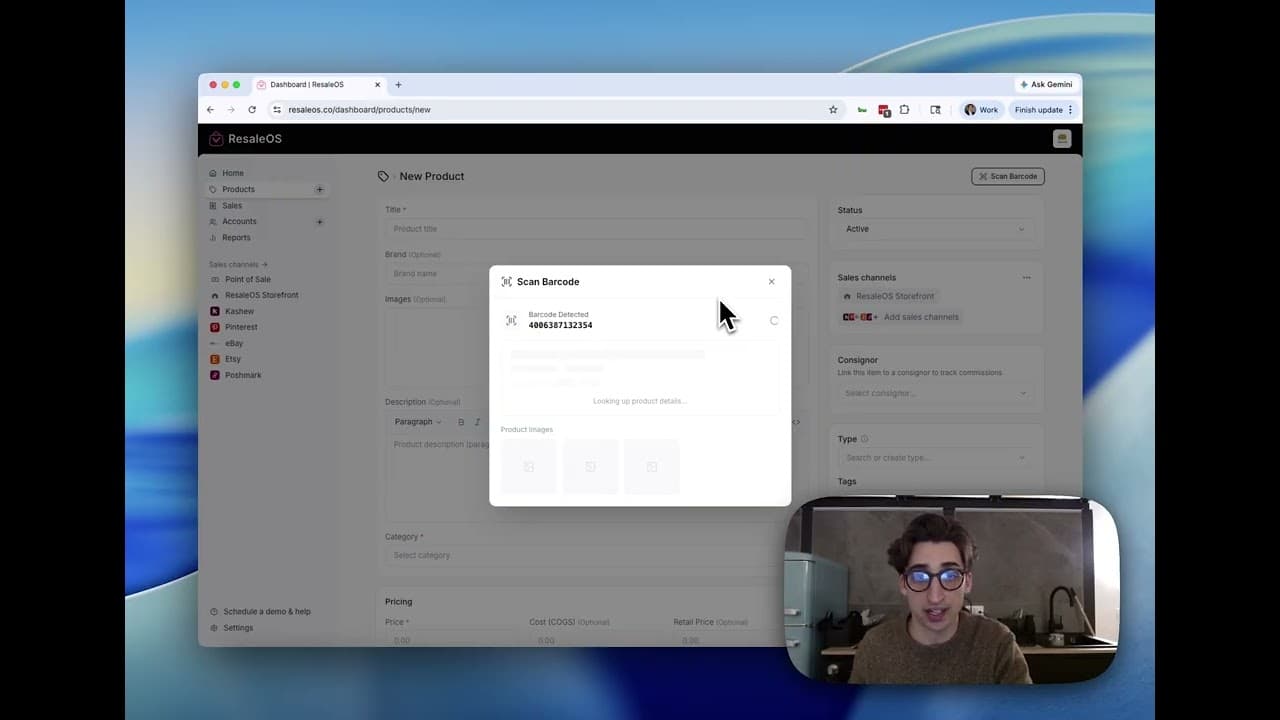
Discover how to create product listings in ResaleOS by scanning barcodes. This guide will walk you through the steps for efficient inventory management.
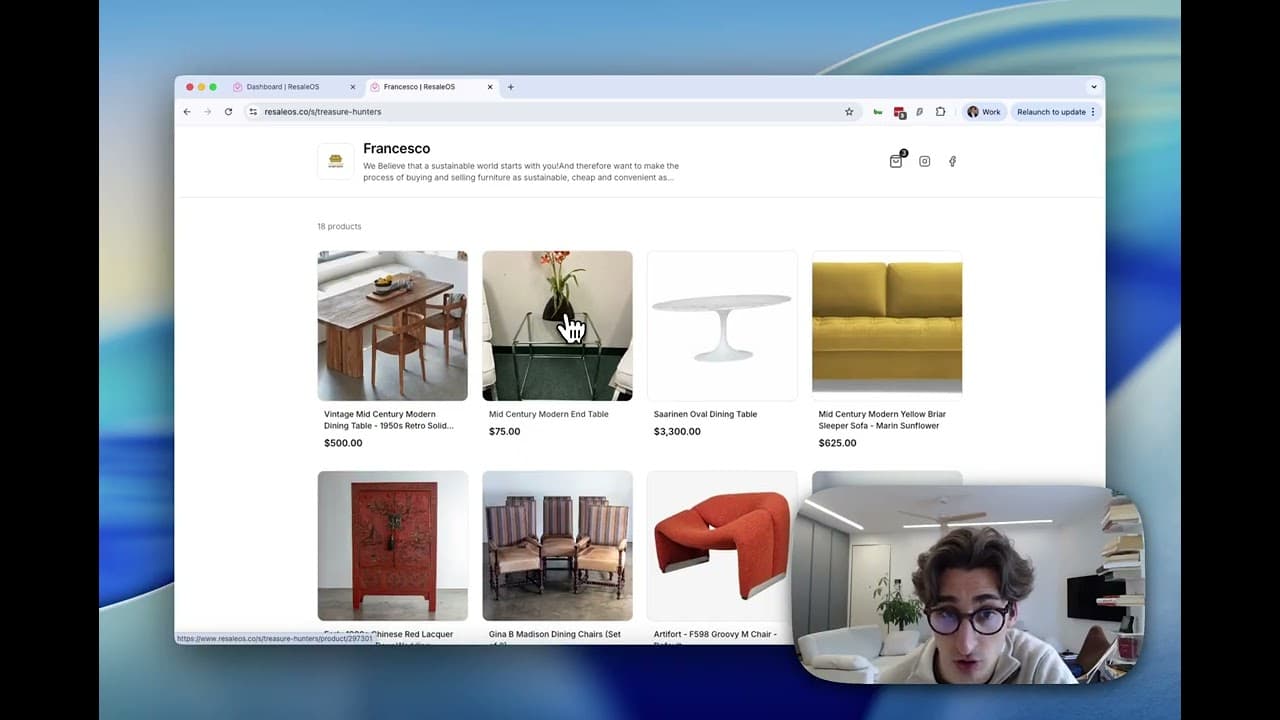
This article provides a step-by-step guide to setting up your ResaleOS online storefront, including customization and product preparation.
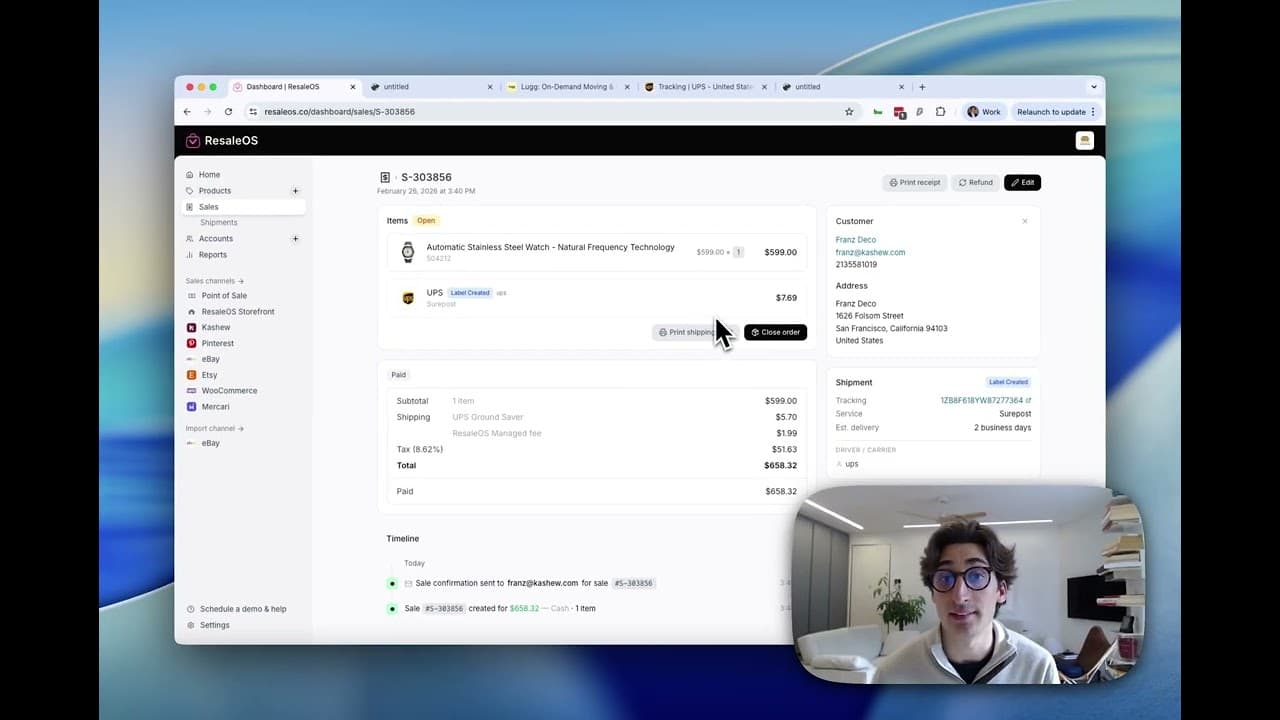
This guide will teach you how to create and manage shipments from sales in ResaleOS, including selecting carriers and printing labels.
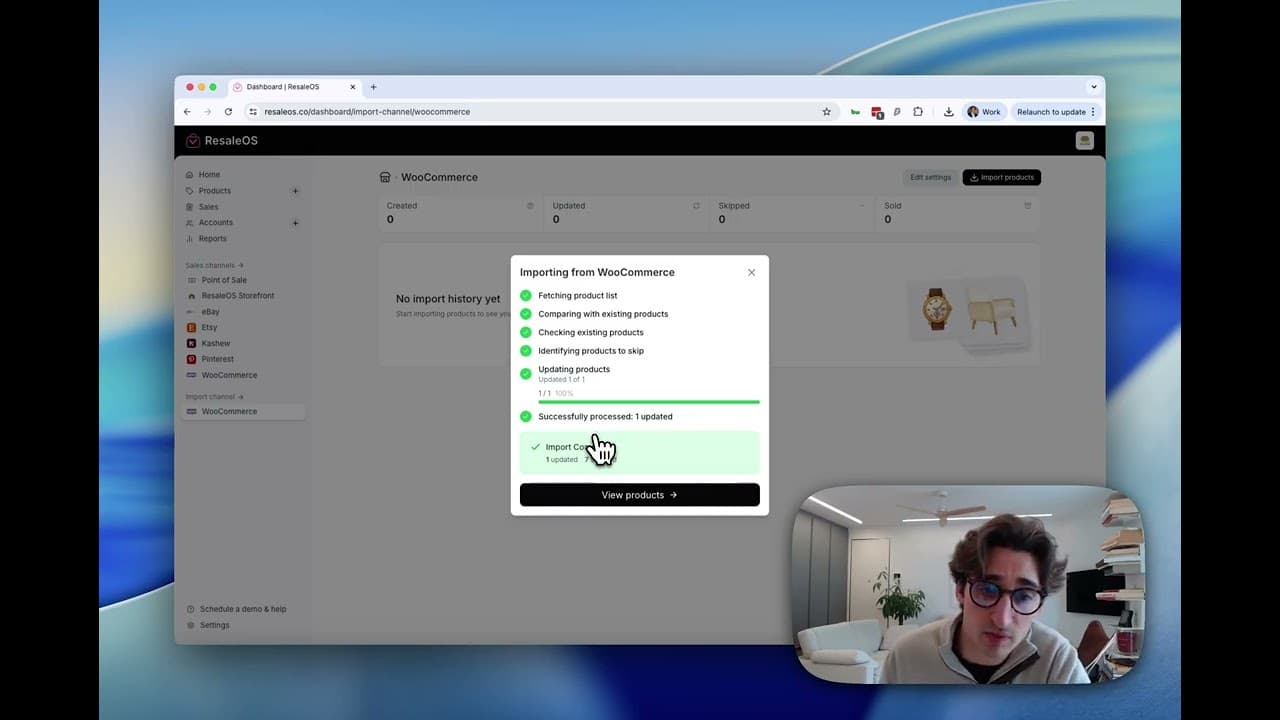
Discover how to save time by importing your existing products into ResaleOS from platforms like WooCommerce and Etsy.
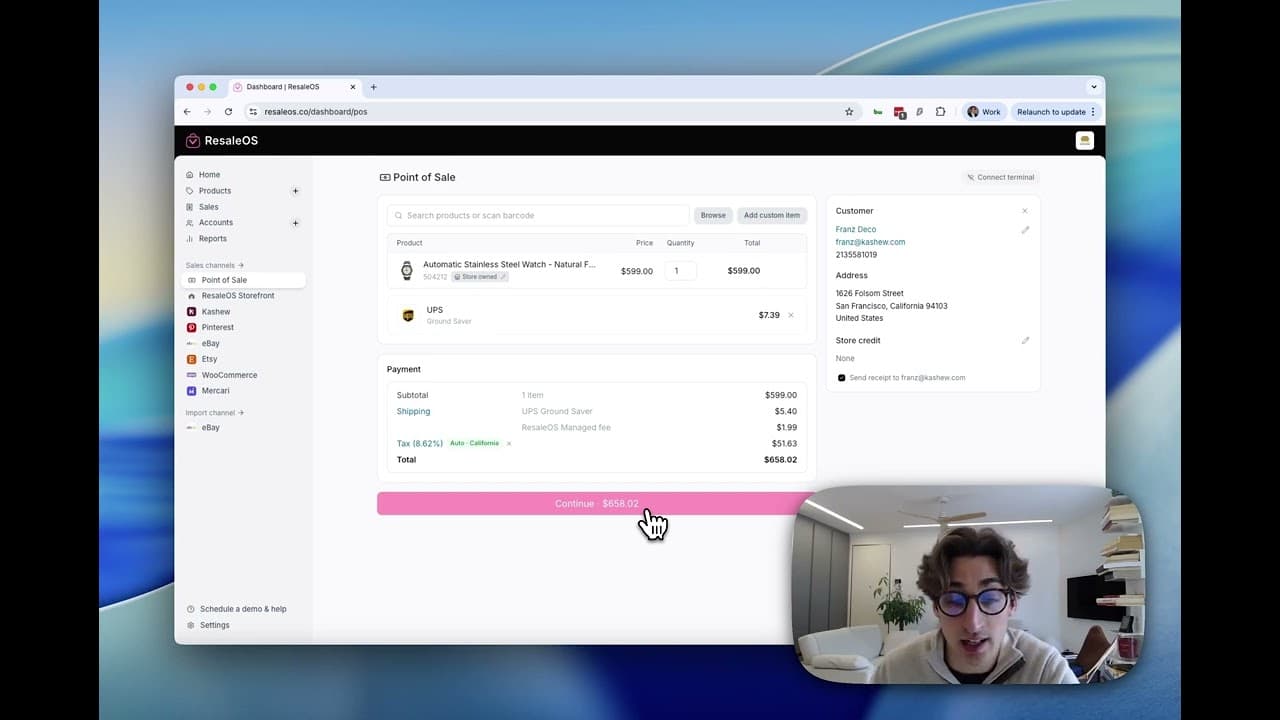
This guide provides a step-by-step process for creating a sale in ResaleOS, including adding products, setting taxes, and handling payments.
Email a Stripe-hosted checkout link for any unpaid balance — partial payments, deposits, holds, refunds — straight from the sale page or POS.
Pick between a full PDF receipt and a narrow thermal receipt, save a default printer, and auto-print after every checkout.
Tune what the AI focuses on when it reads a product photo — title voice, description structure, what to leave out — so listings sound like your store.
Run inventory across stores and warehouses, route POS sales to the right location, and map each ResaleOS location to its eBay, Etsy & Shopify counterpart.
Build label templates for thermal printers or office paper, save a default printer in the desktop app, and auto-print every new product as you intake.
Spin up additional brick-and-mortar locations or warehouses, route inventory between them, and pick a per-location default for POS sales.
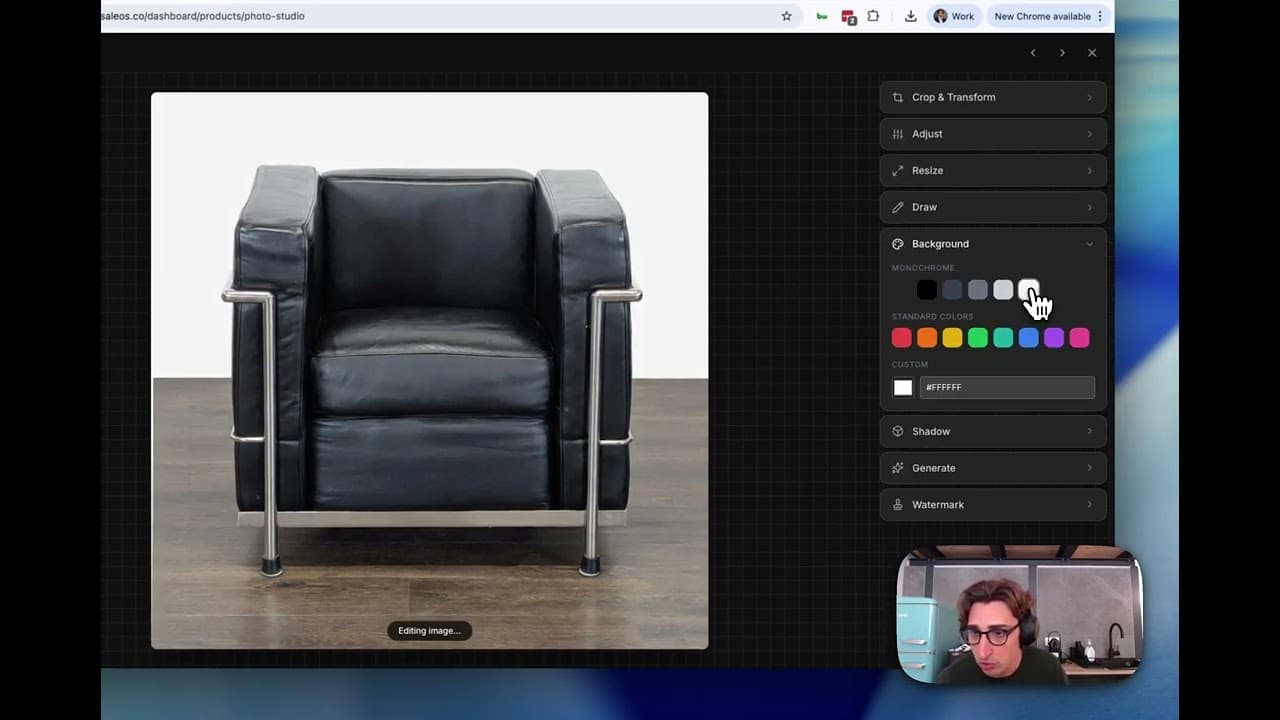
This article provides a comprehensive guide on how to upload, edit, and organize your product photos using Photo Studio.
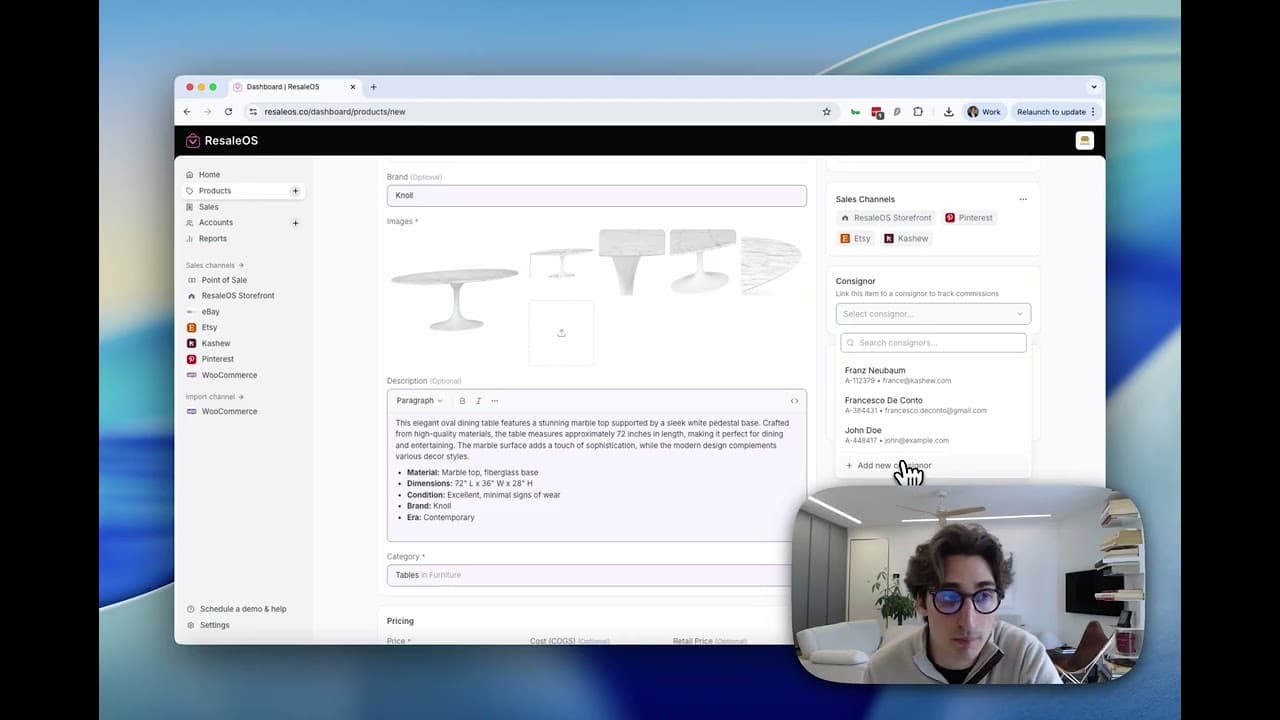
This guide teaches you how to create a product in ResaleOS and crosslist it to various marketplaces using AI tools.
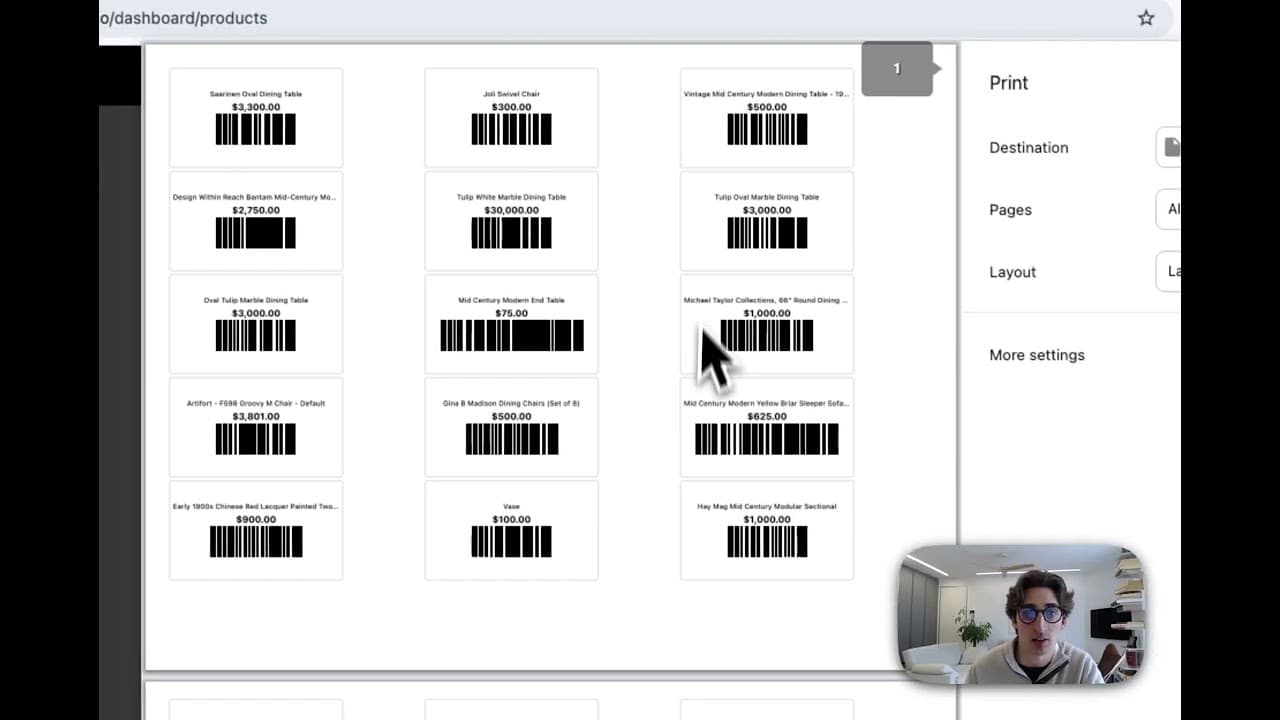
This guide covers how to print individual and bulk product labels in ResaleOS, including setting a default label template.
Pull your saved eBay shipping policies and Etsy shipping profiles into ResaleOS, set defaults per channel, and configure an oversized fallback for big items.
Compare USPS, UPS, FedEx, Lugg, GoShare, Blue Truck and uShip rates side-by-side, book a label in two clicks, and track every shipment from one screen.
Track revenue, margin, sell-through, payables, and channel mix across any date range — and pull a one-click End of Day CSV that closes out the books.
Schedule automatic price drops by days-on-shelf — 10% after 30 days, 25% after 60, etc. — scoped by tag and synced across connected marketplaces.
Model cleaning fees, restocking fees, and card-processing surcharges that automatically adjust your consignor splits.
Share your invite link, both of you get a recurring monthly reward when your referral subscribes — paid out automatically once the hold window passes.
A step-by-step visual walkthrough of the cancellation flow, what happens to your data, and how to resume.
Permanently delete your account and everything in it — and what to do beforehand. Different from canceling your subscription.
Attach a weekly, biweekly, or monthly fee to a consignor account — perfect for booth rentals, vendor rent, and storage fees.
Add a new card, change your default, or resolve a past-due invoice — all from Settings → Billing.
Upgrade or downgrade between Crosslister, Reseller, and Pro — with proration, trial preservation, and grandfathered-pricing notes.
Configure zip-based US sales tax, register the states where you have nexus, and enable Pro auto-tax for rooftop-accurate calculation at checkout.
Add staff to your ResaleOS workspace, choose between Owner, Admin, Staff, and Read-only roles, and scope what they can see and do.
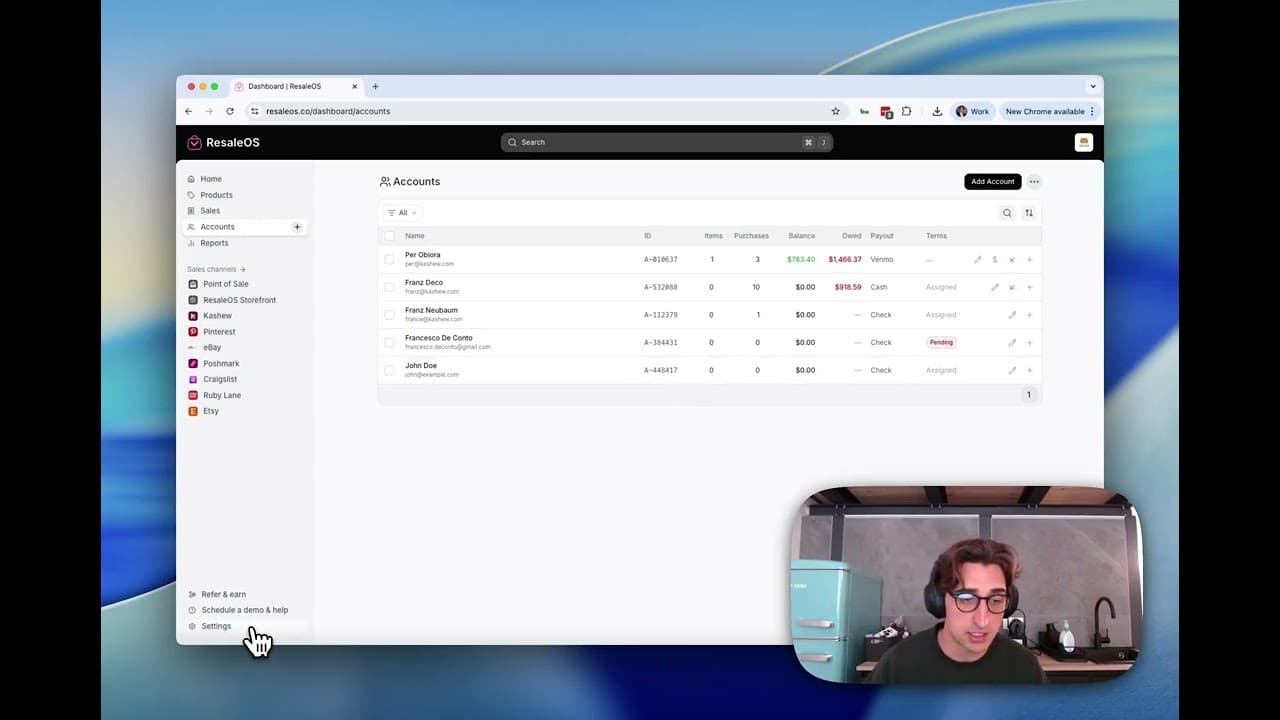
This article guides you through setting up and managing consigner contracts in ResaleOS, including creating terms and tracking signatures.
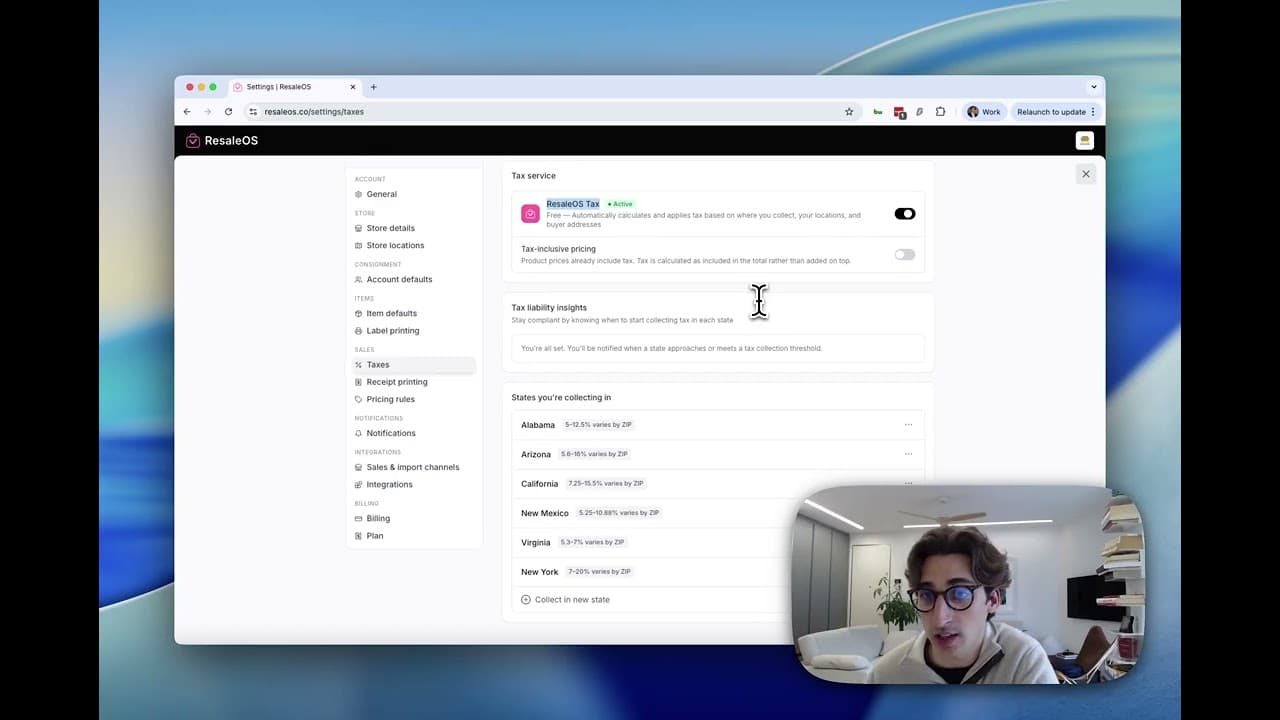
This guide provides a step-by-step process to customize your ResaleOS settings for profile, store details, branding, and more.
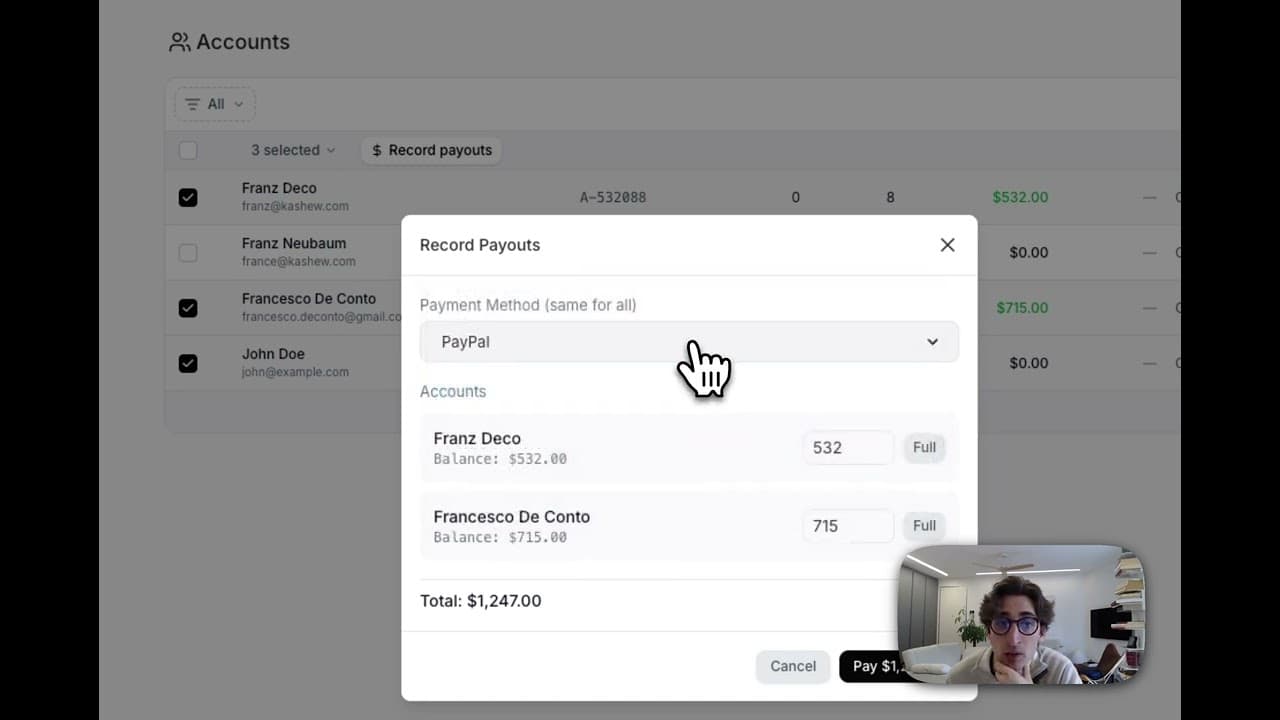
This guide provides a detailed walkthrough on managing consignor payouts in ResaleOS, covering balance checks, adjustments, and payout processes.
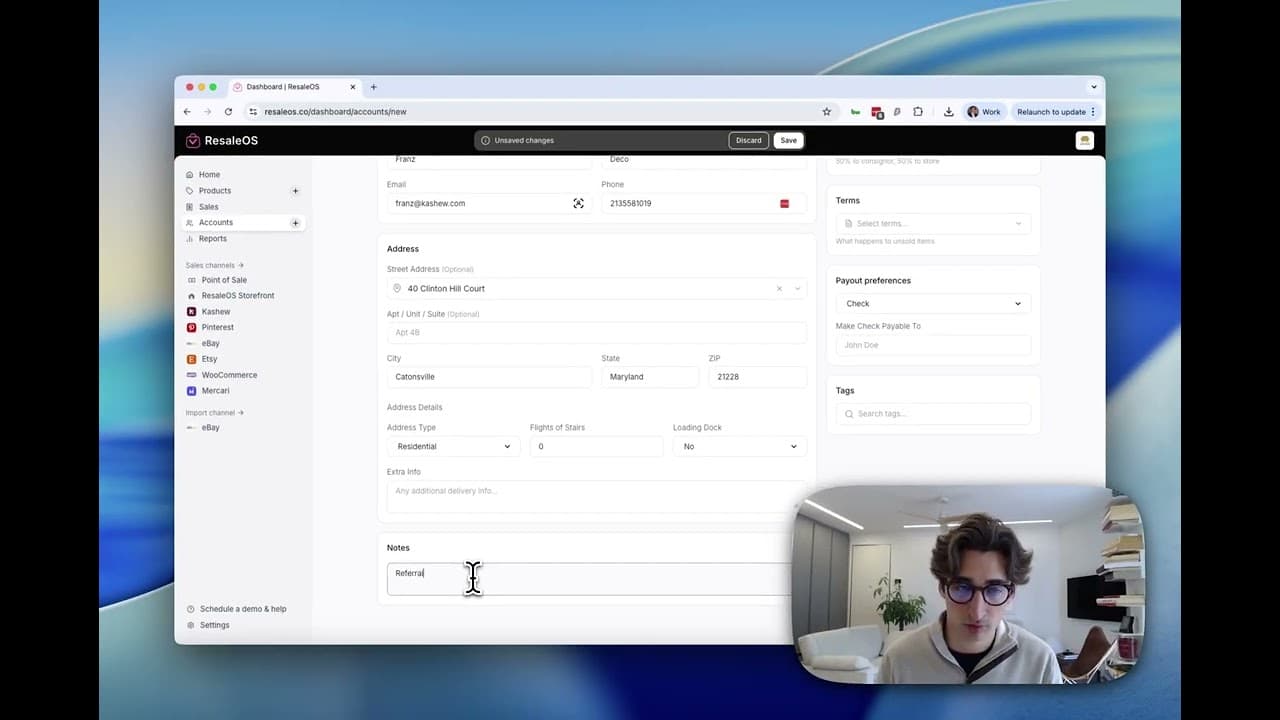
This article guides you through managing consigner and customer accounts in ResaleOS, covering account creation, viewing details, and linking products.
Spin up a hosted resaleos.co/s/your-store storefront in minutes — pick a slug, drop a logo, accept Stripe payments, and offer pickup, local delivery & shipping.
One canonical OAuth walkthrough for every external marketplace ResaleOS crosslists to, plus the per-channel settings worth knowing about.
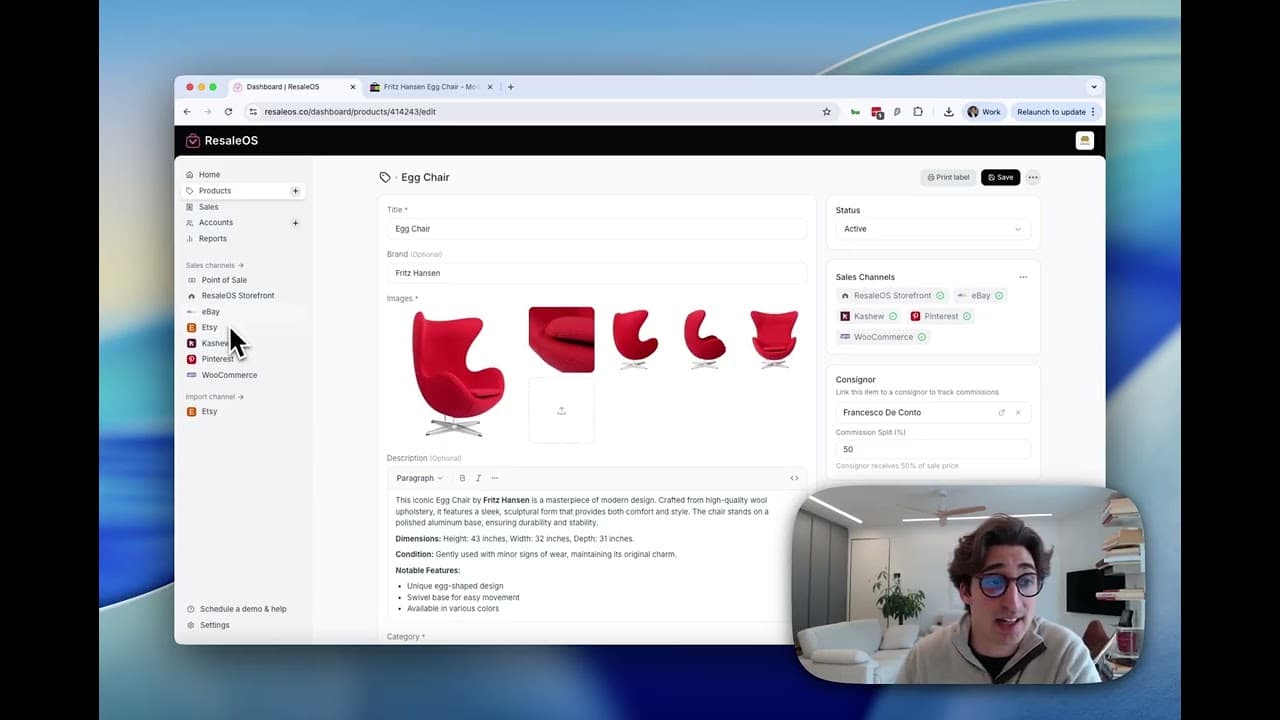
This guide teaches you how to cross-list products from ResaleOS to various marketplaces and set platform-specific export instructions.
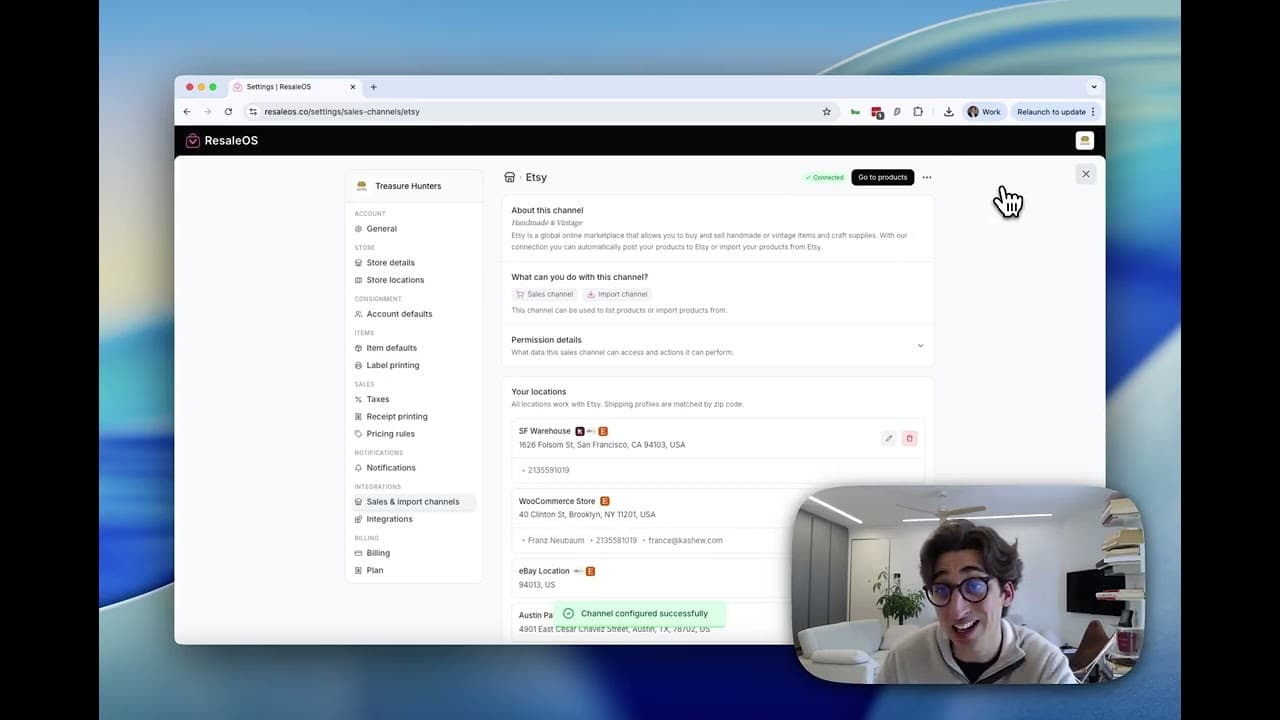
This guide provides step-by-step instructions on connecting various sales channels to ResaleOS, including eBay, Etsy, WooCommerce, and Mercari.